MiniApp Every Day
ExtensionsAbout UsContact UsTextRemoverDrawingOnline

MusicPlayer

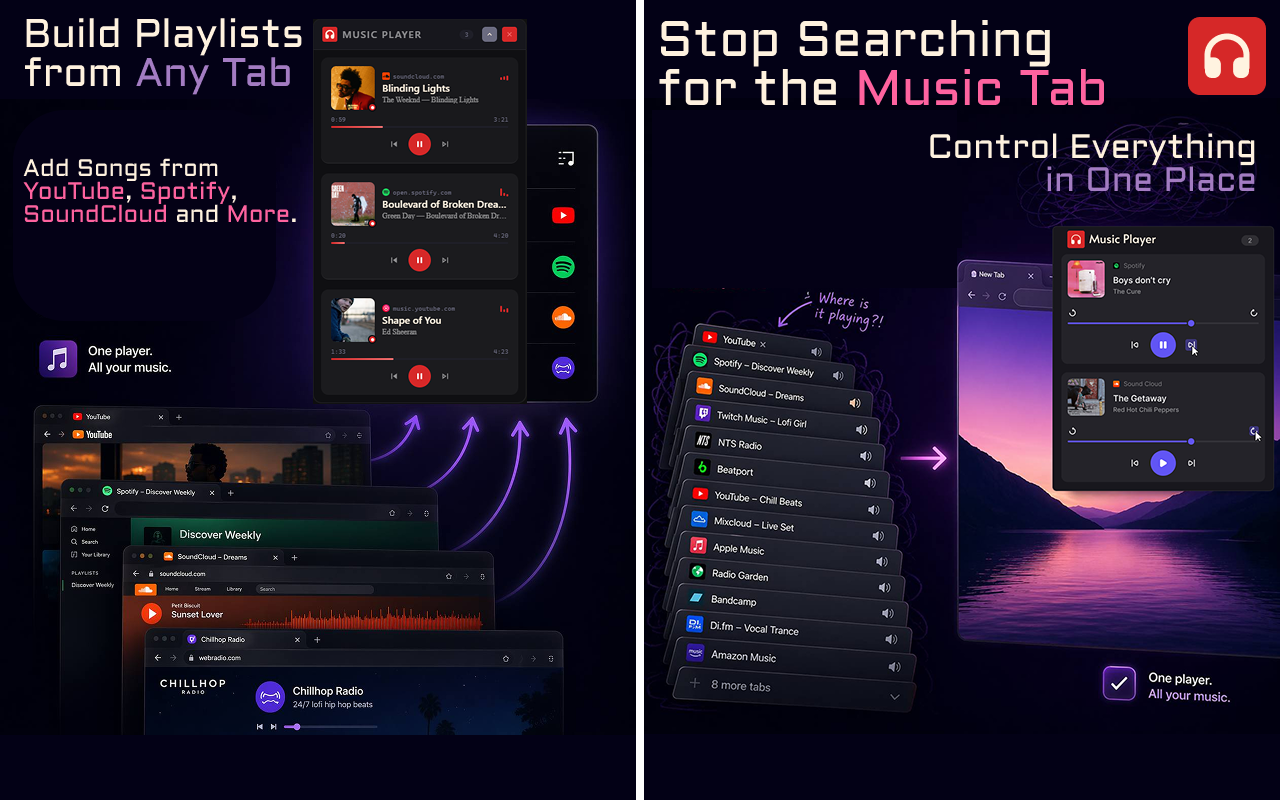
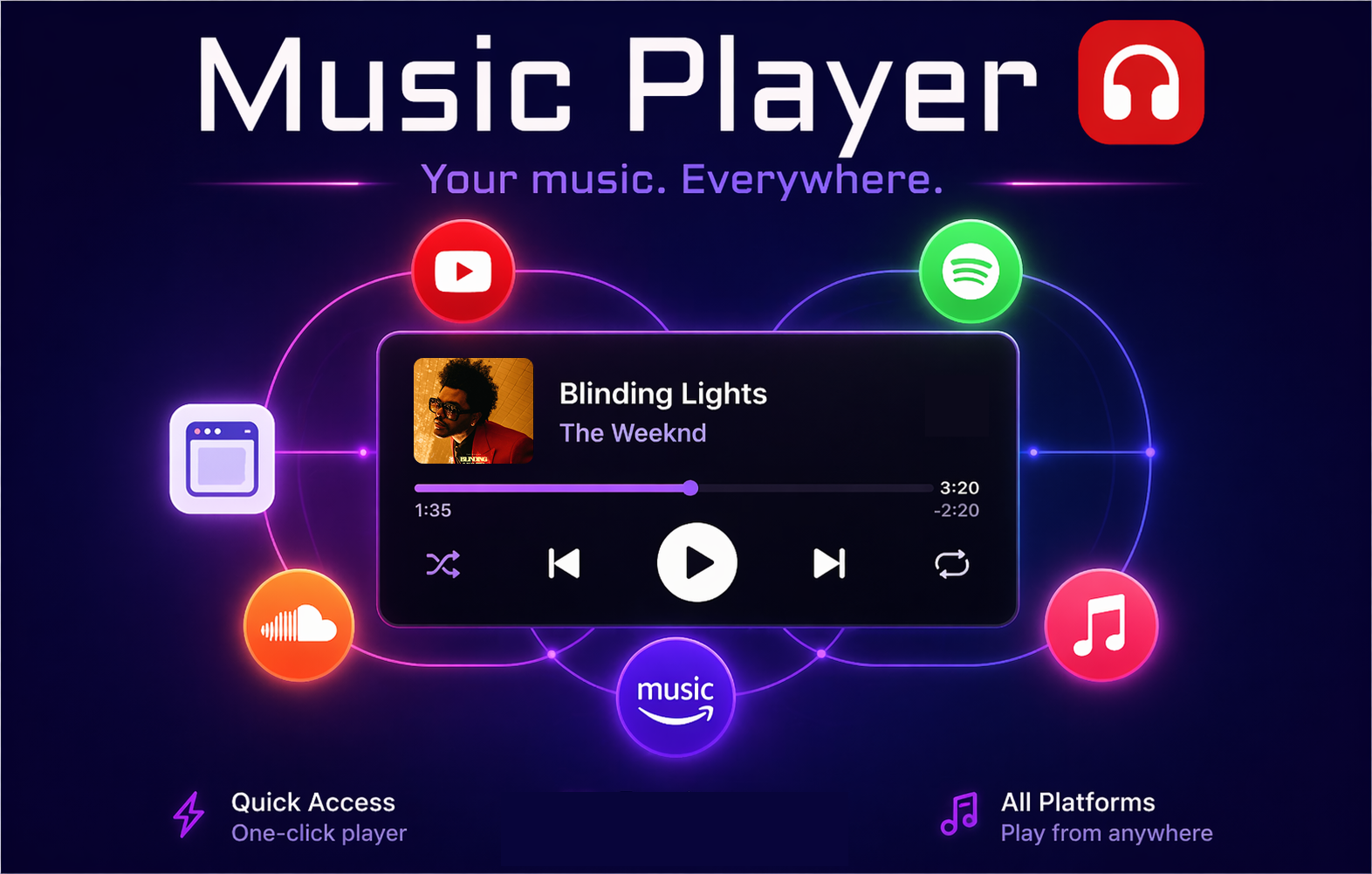
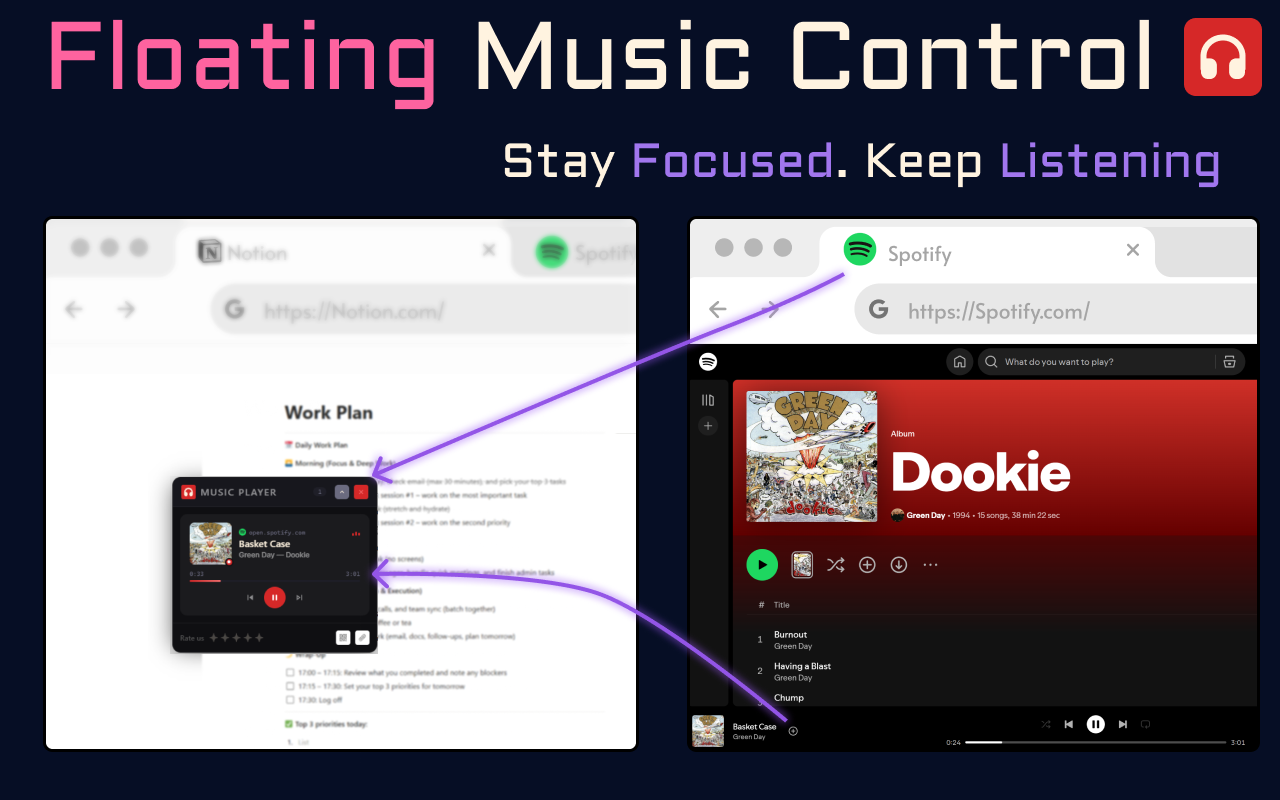
Control your music and videos without switching between tabs—everything is right on your screen 🎵. The player appears as a floating window that you can move freely around the screen. Place it wherever you like and continue working, studying, or relaxing without losing control of playback. 🎧 The extension supports popular platforms, including Spotify, YouTube, SoundCloud, and more. All your music and videos are automatically available for management in one place. 🌟 The player is designed for maximum convenience and speed. You can control playback without distracting from your current tasks—everything works smoothly and intuitively.
Music Player 1
Music Player 2
Music Player 3
Music Player 4

How to get started?

01

Install the extension

Go to the Chrome Web Store and add Music Player to your browser with one click.
02

Open any page with music or videos.

Go to any website where your playlists or songs are located.
03

Play!

Play music and control playback directly from the floating player window. Choose songs, adjust the volume, and enjoy!

Supported Players

YouTube

Spotify

SoundCloud

YouTube Music

Yandex

Any Others

YouTube

Spotify

SoundCloud

YouTube Music

Yandex

Any Others

Why is this necessary?

Without Music Player

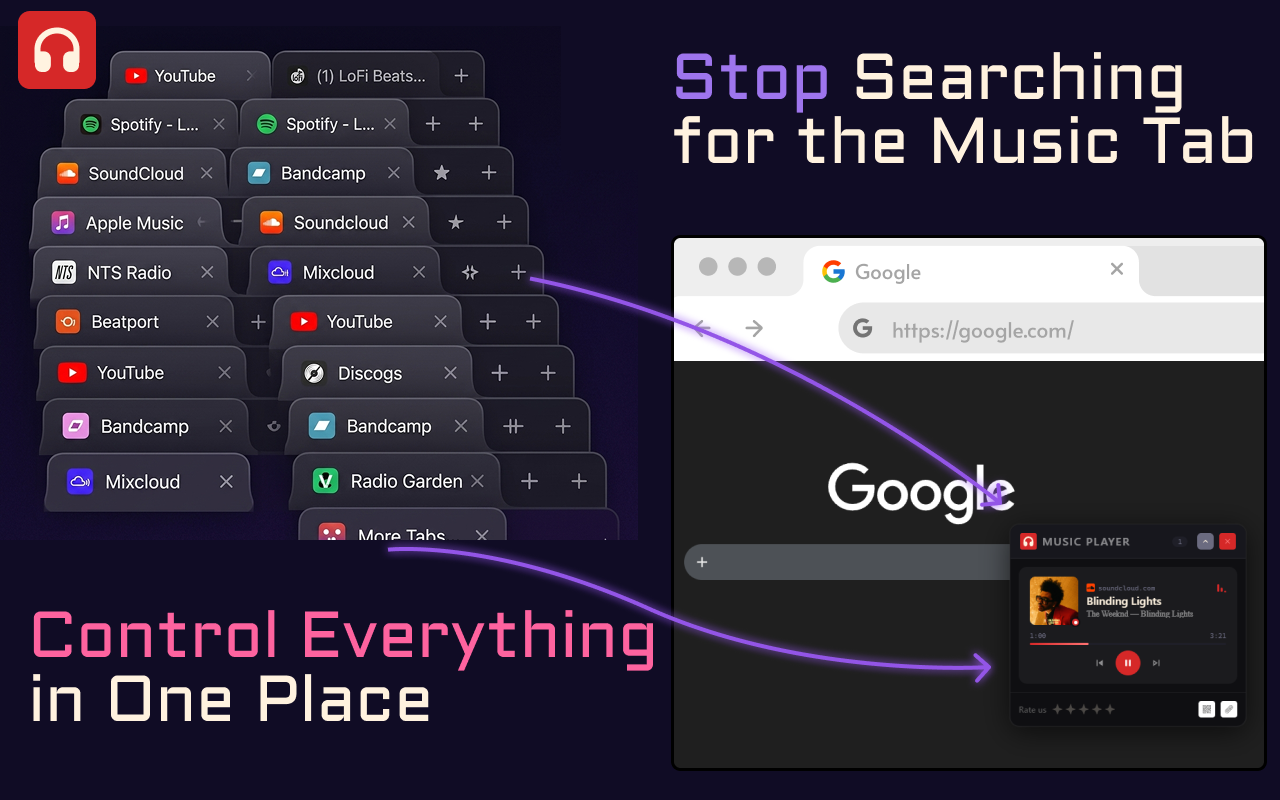
You have to search for a tab with music playing among many open ones

It's difficult to quickly pause music or video without interrupting your work

Time is wasted switching between tabs and windows

No quick access to the title or playback controls

With Music Player

Switch and control music from any tab

Pause and play music without interrupting your work

All players in one place — right on the screen

Instant feedback with playback controls

Want to try it?
Join the thousands of professionals already using our extensions!
MiniApp Every Day

Professional Chrome extensions for modern productivity.

Products

ExtensionsText RemoverDrawing Online

Company

messages@i-sol.eulinkedin.com

Information

Policy

© 2026 MINIAPP EVERY DAY. ALL RIGHTS RESERVED.